

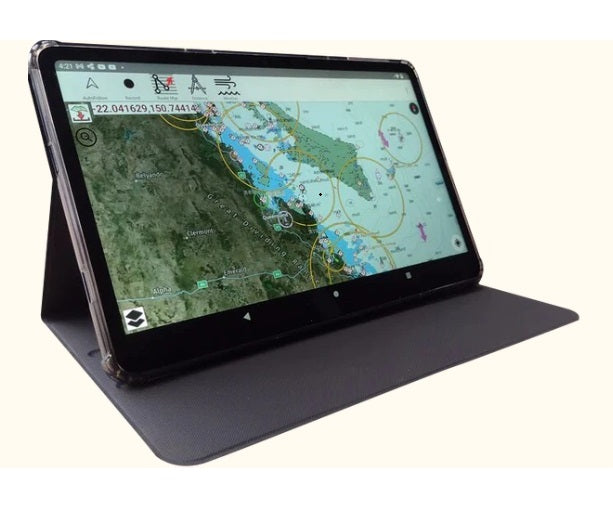

- CRUISR Chartplotter simple operation
- ‘Stop/follow’ Click when moving, course and direction displays and course and speed appears at bottom left of screen
- ‘Record’ Select to record trip
- ‘Route Manager’ create courses and waypoints.
- ‘Distance’ Measure between selected points on the chart.
- ‘Weather’ Receive live wind, wave, temp, pressure readings etc. instantly and 3 days ahead
- 3 dots top right of screen, drop down menu.
- ‘Compass’ Rotate chart with two fingers
- Download arrow {red} download selected charts

Select start and finish with central map cursor and course and distance will be displayed, alternatively from the drop down menu you can select ‘Auto route’ Select start and destination, safe depth and route will appear allowing for avoidance of all hazards and channel navigation marks where applicable

Click ‘Weather on top of the menu and choose wind.
Click any arrow for precise wind and direction.
Note at the top of the screen a slide indicator will move 3 hourly and forcast wind for up to 3 days
Also displayed is the drop down menu for many other settings including AIS setup. Measurements, IE feet or metres etc.

Select Weather and choose Wave for display of wave heights and direction.
Other selections available include rain and temperature.

On the screen select the RED arrow to display chart squares, green are already downloaded, select up to 6 blue squares to download together. This is quite a quick process and should only take a 10-15 minutes to download all country charts for offline operations
NOTE. Clarity of chart Images displayed on the website are much clearer on the Cruisr Chart Plotter